Was this article helpful?

Thanks for your feedback.
Webex App | Connect to Android Auto
 Feedback?
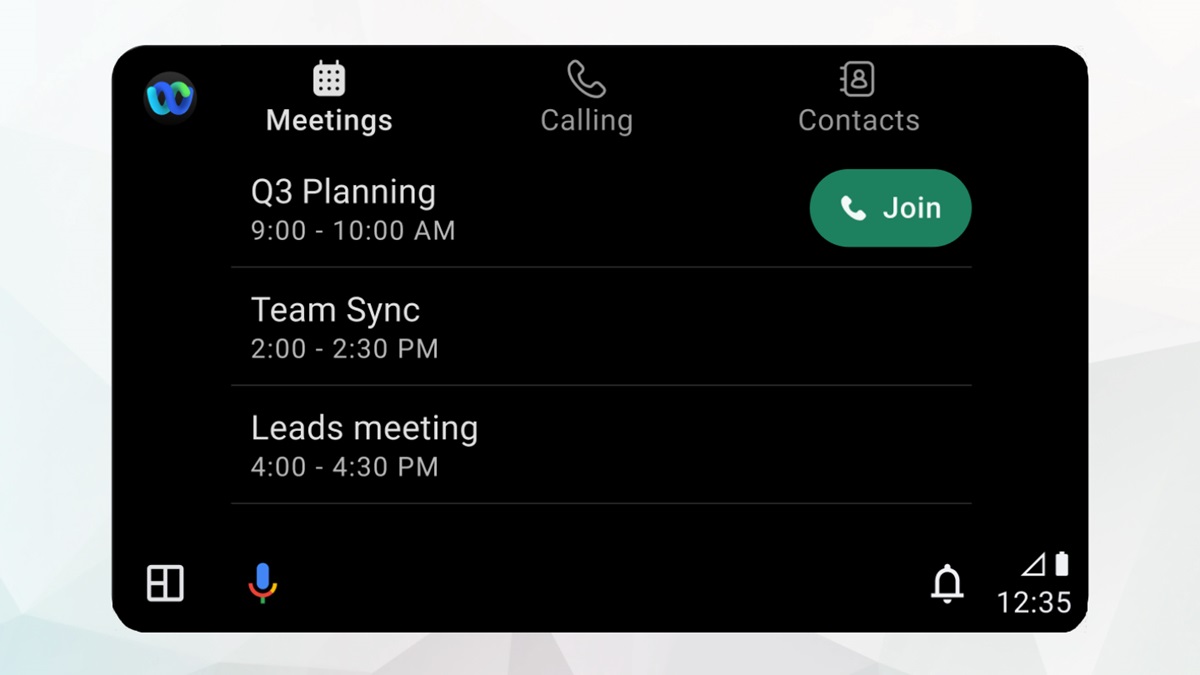
Connect your android device to your car and use the app to access your meetings and calls on the road. Make and receive audio calls, or see a list of your upcoming meetings and join with audio only.
Before you begin
Check your vehicle's compatiblity with Android Auto.
Ensure you have the latest version of Webex App installed.
| 1 |
Connect your Android device to your car using either Bluetooth or a USB cable. |
| 2 |
Select Webex App on the Android Auto dashboard. Your car display shows the following options:
You can mute, unmute, or leave a meeting or call using the controls on your car's touchscreen. Ensure you select the Use Internet for Audio join option in Webex app. Android Auto uses the internet for audio option, to connect your meetings and calls. |
Was this article helpful?


